Please view on desktop
for the best experience.
Please view on desktop
for the best experience.
Bunky
Redesigning Bunky's onboarding process to reduce user dropoff
ROLE
UI/UX Designer
TIMELINE
Spring 2026
TOOLS
Figma, FigJam
TEAM
1 PM
3 designers
OVERVIEW
What is Bunky? 🔑
Bunky is a roommate-matching app designed for college students to find other students to live with. The app has over 22k downloads and is actively used across many US institutions. I worked with Bunky this semester through USC's Innovative Design.

THE PROBLEM
Despite gaining traction, Bunky loses nearly 20% of its users during onboarding.
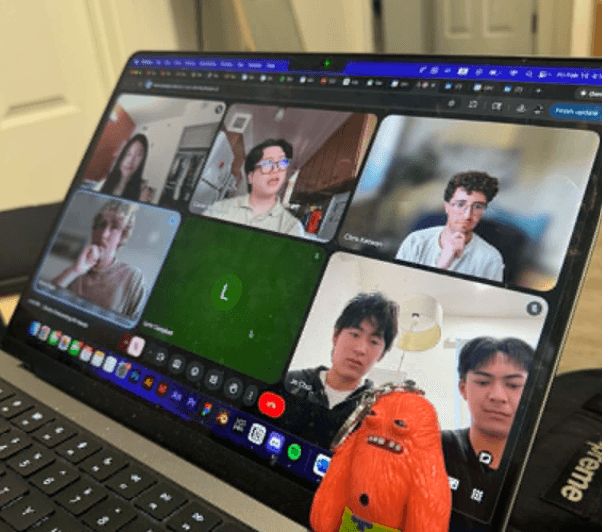
My team and I were tasked with addressing this issue. We conducted a UX audit and identified 3 key problems:
It takes too long ⏱️
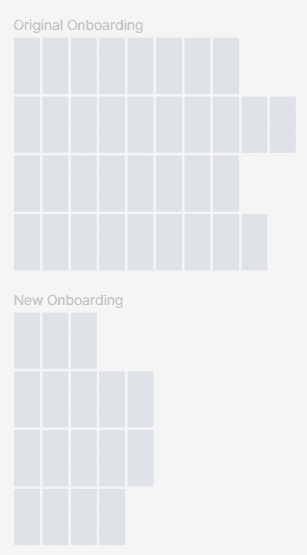
On average, the onboarding takes 5 minutes and 40 screens.
It's overwhelming 🚨
Pages present too much information at once, causing cognitive overload.
It's unintuitive 😵💫
Core interactions are difficult to use & create unnecessary friction.
So, we asked ourselves:
How might we redesign Bunky's onboarding flow to decrease user dropoff?
PROCESS
Reorganizing & reducing the number of screens.
We categorized pages by necessary ones vs pages we could remove or combine with others. This cut down the length by 50%.
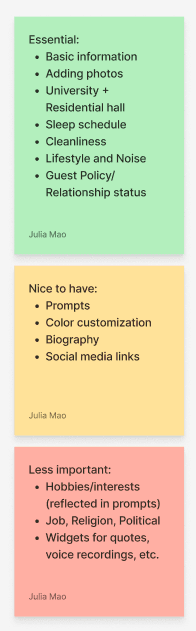
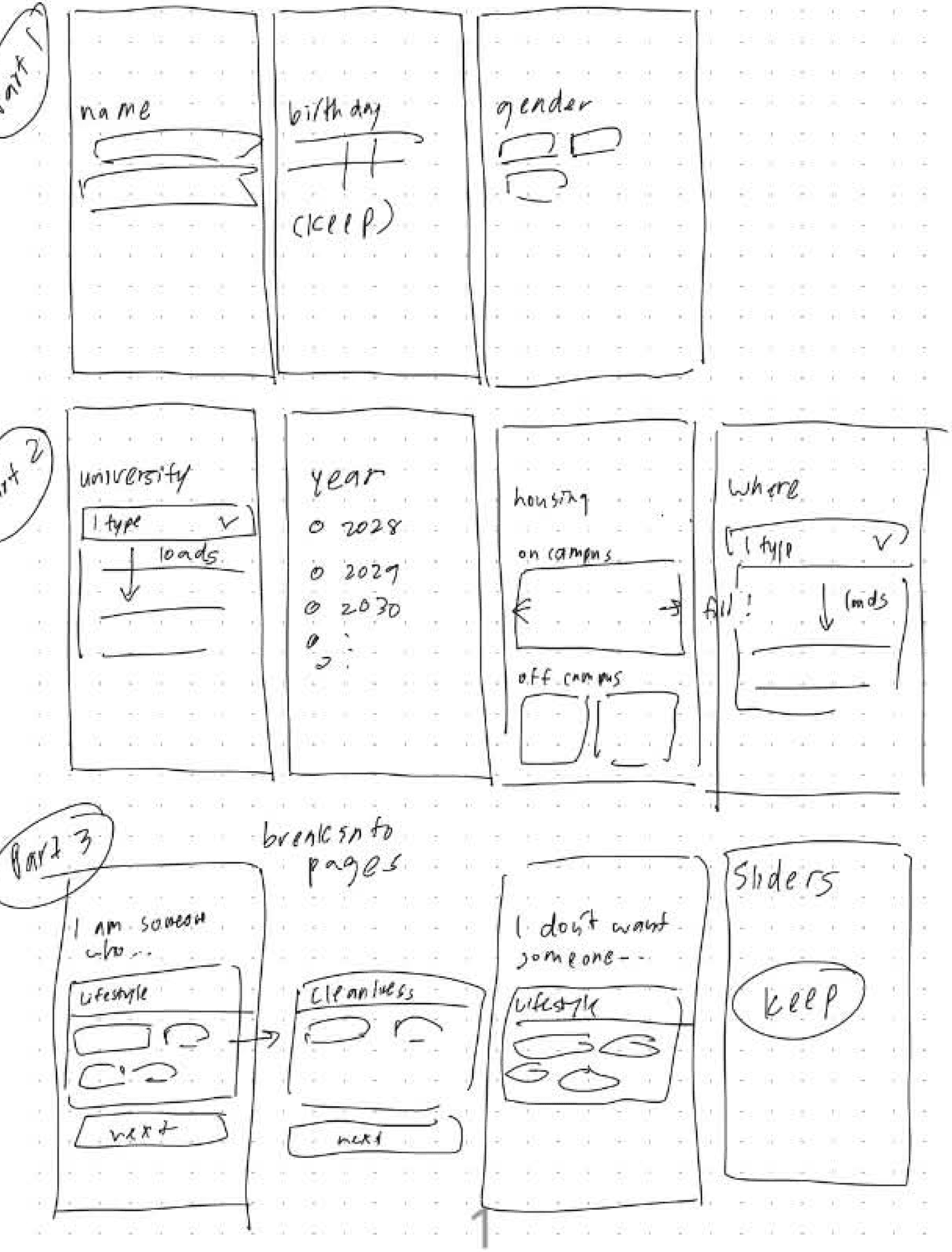
Identifying important pages that needed revision.
Many essential pages like selecting roommate preferences or finding your school were either hard to use or visually cluttered.
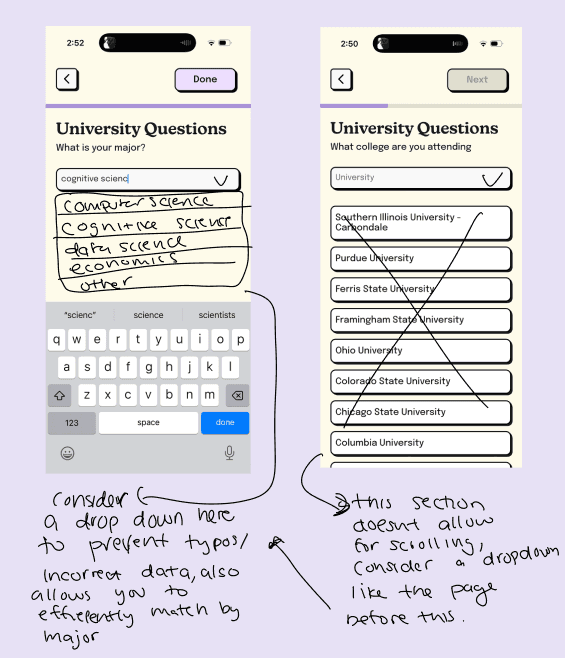
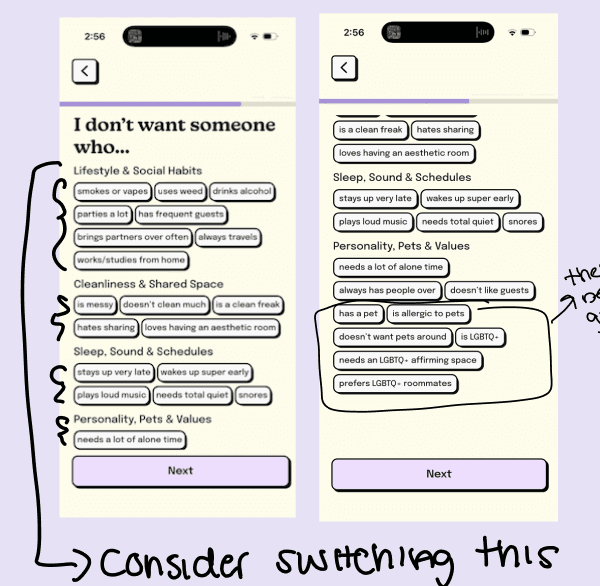
Defining more readable, intuitive components.
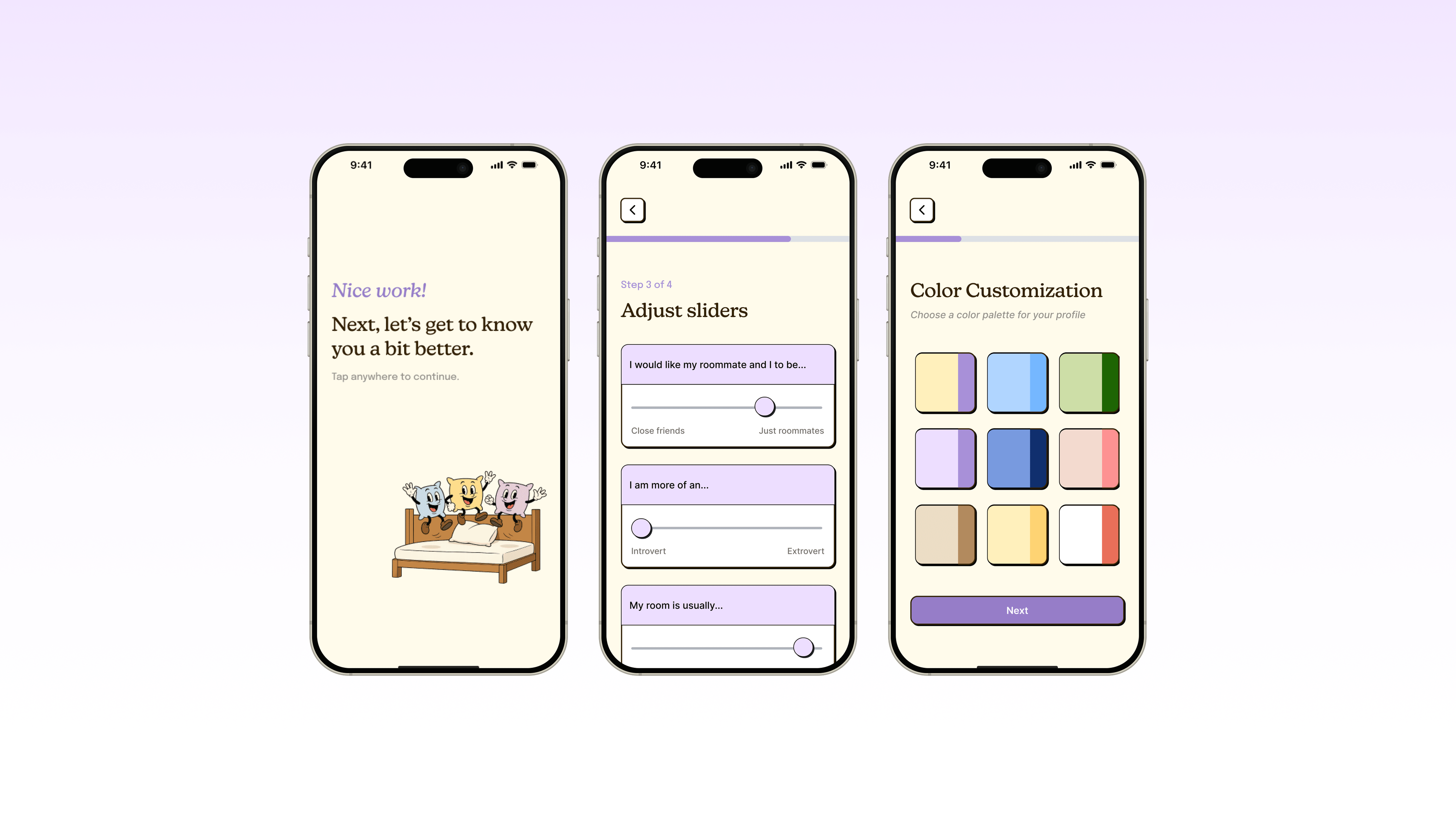
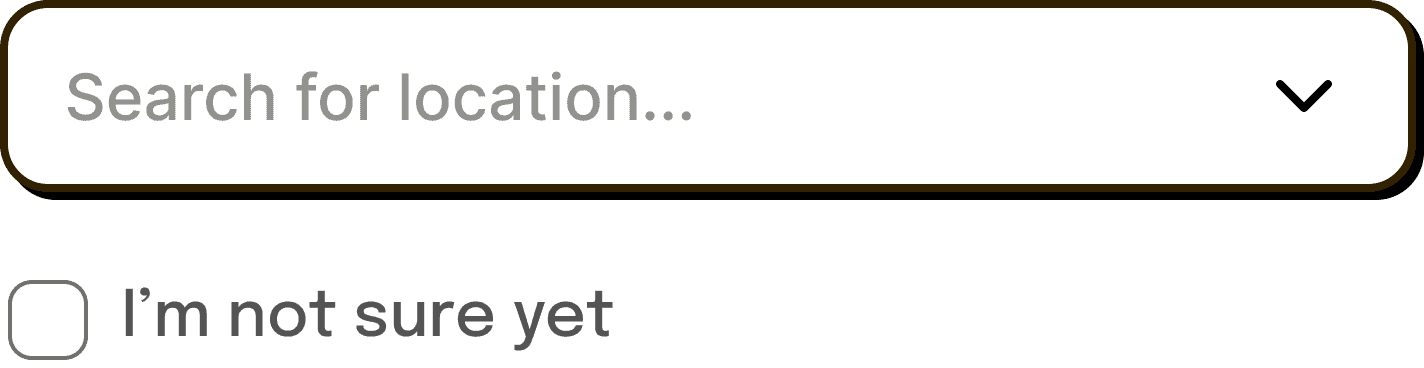
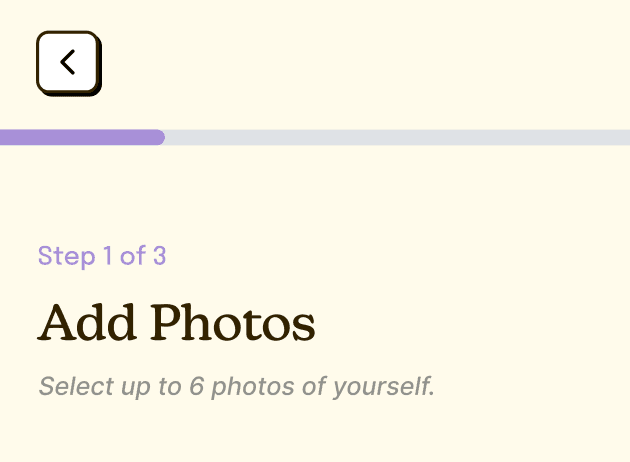
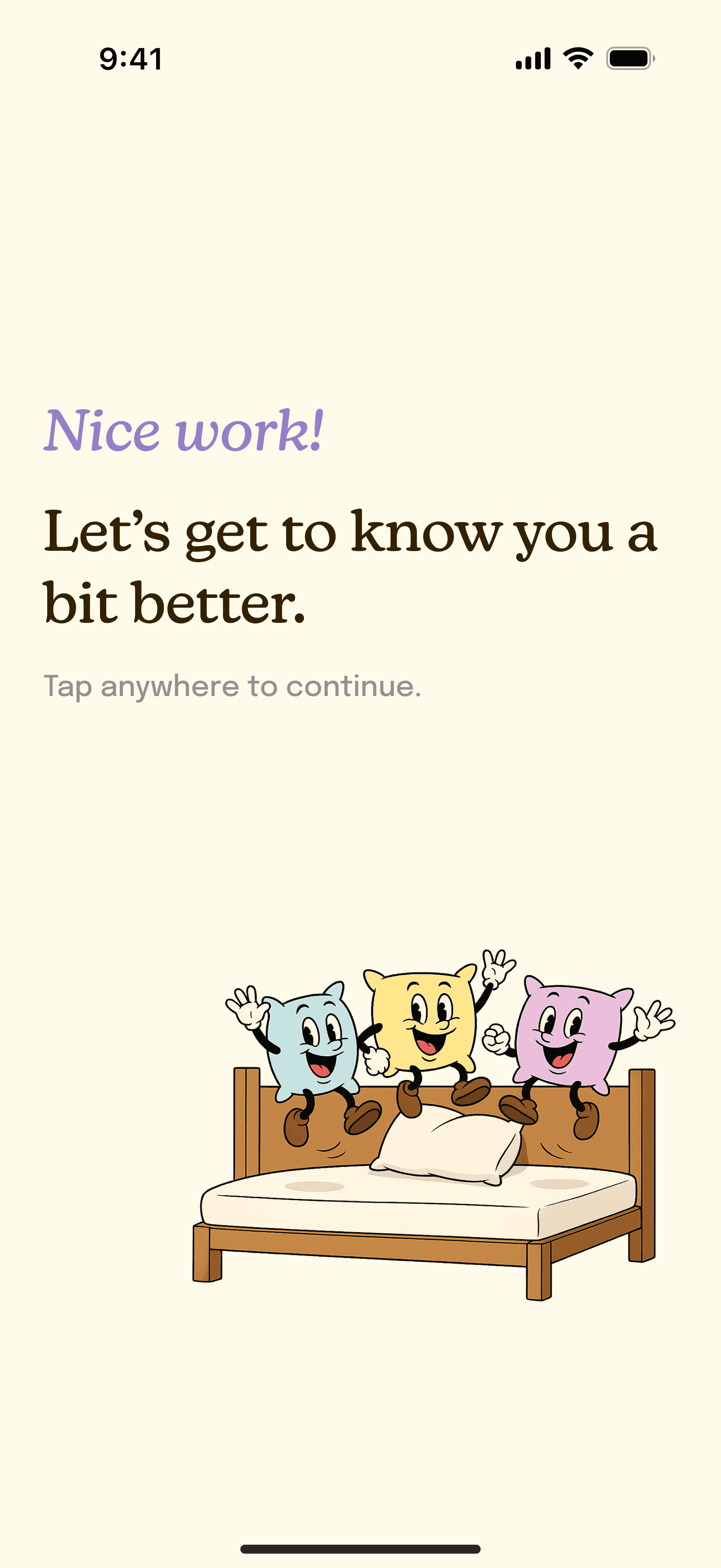
We created new components along the way as we revised the original screens. For example, expandable components allowed us to keep the screens easy to read. We also designed a transition page template to add in between each section and encourage users to keep going.
Dynamic Slider
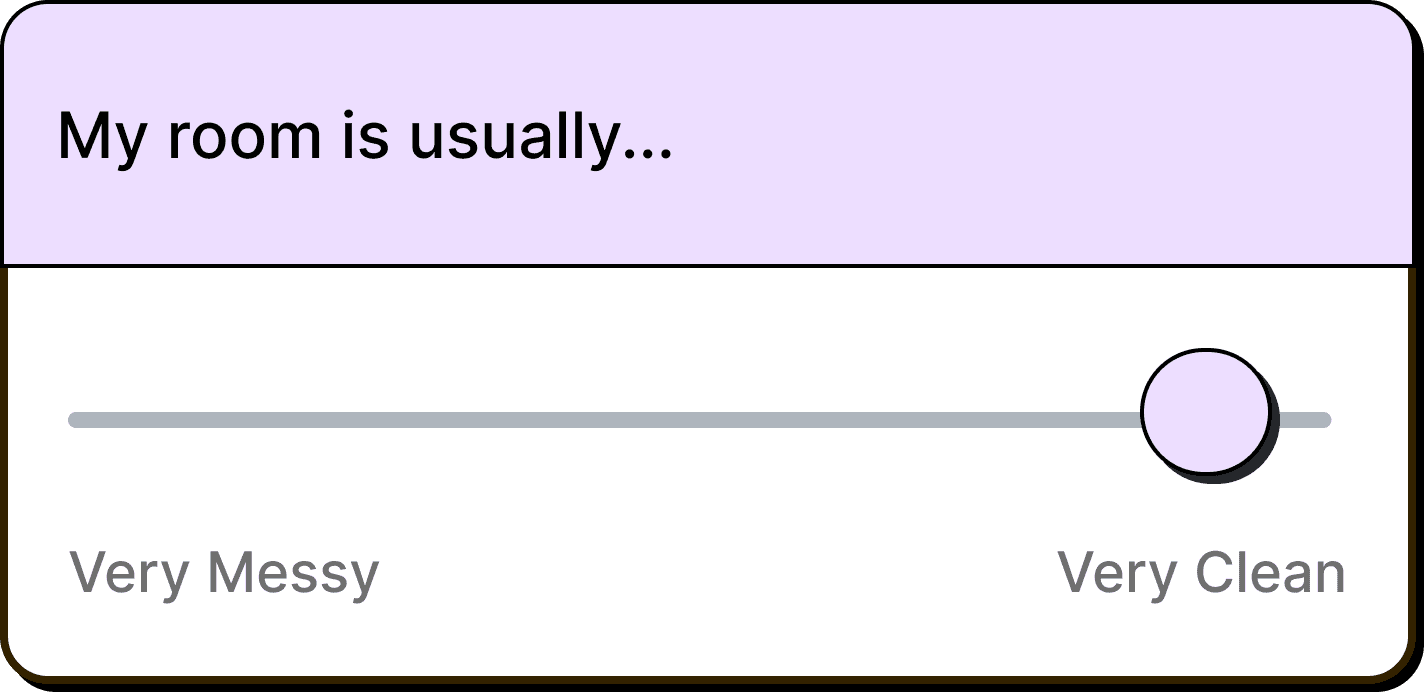
Prompt Card
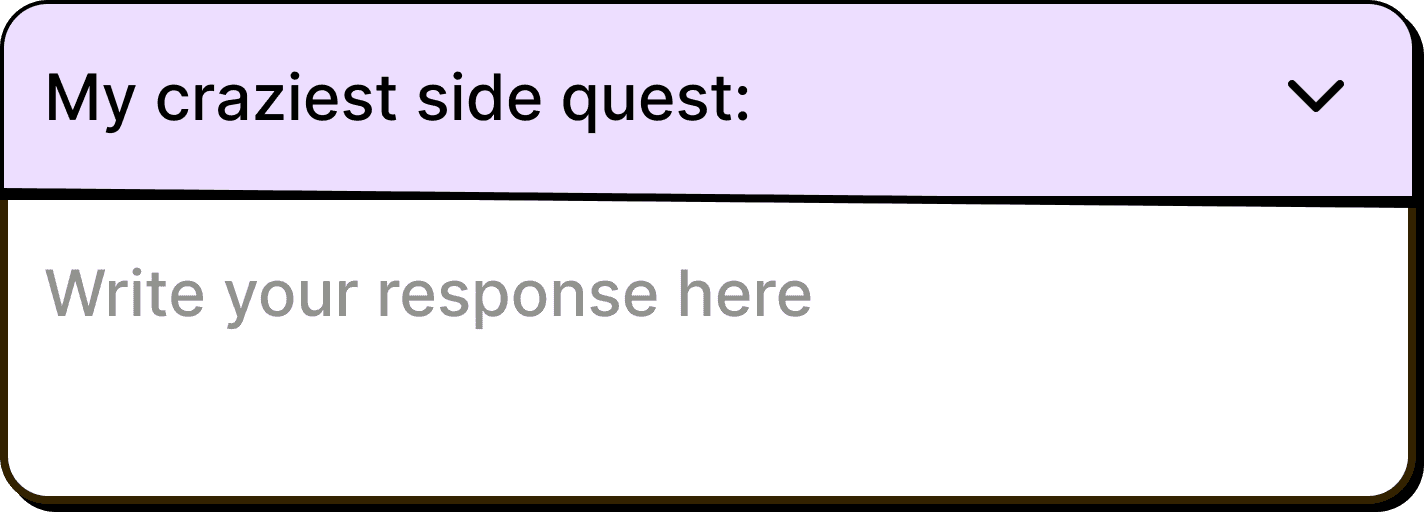
Expandable Field
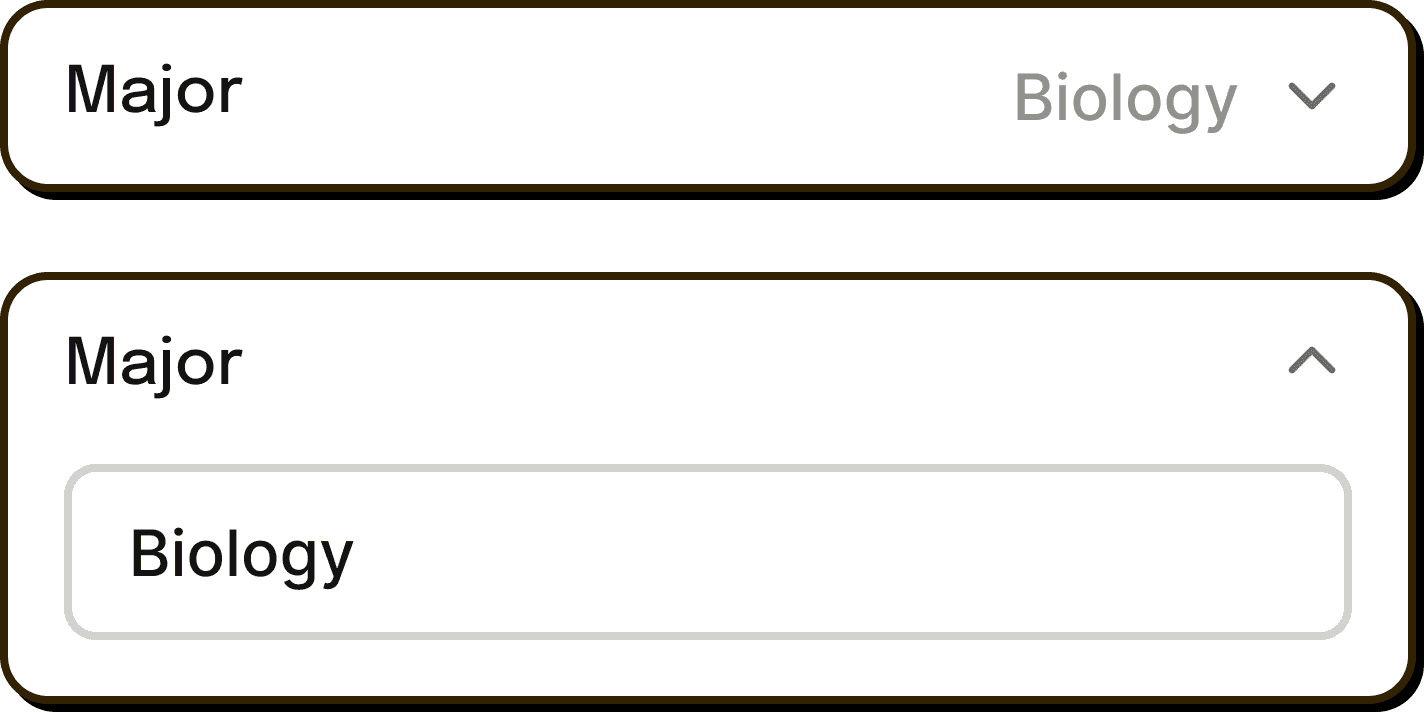
Searchable Dropdown
Button States


Progress Tracker
Transition Page
SOLUTION
A top-to-bottom redesign of Bunky's onboarding.
After multiple iterations, we successfully condensed the onboarding process into <20 screens. This design is currently in the process of being implemented by the developers. Here are the core flows:
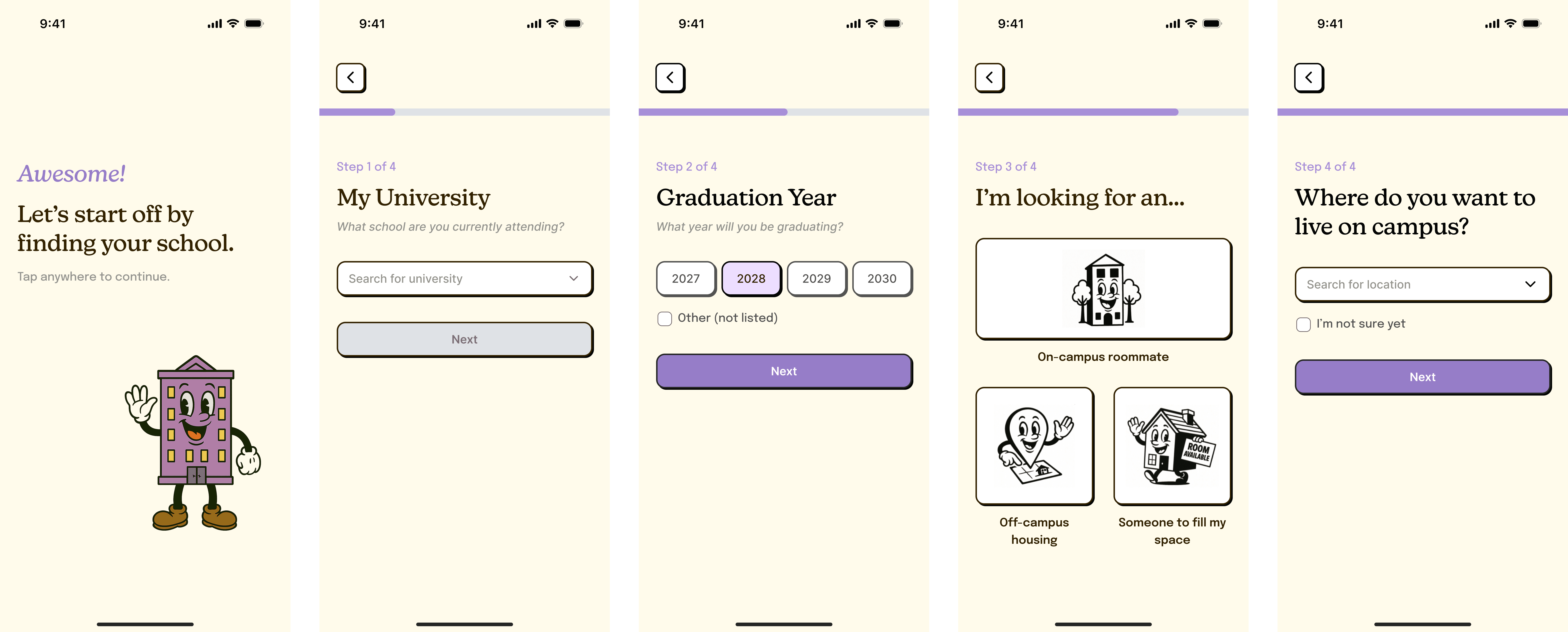
Finding your school
This section occurs after users input their name/gender. The searchable dropdown component allows users to both type in the text field as well as scroll through a dropdown list.
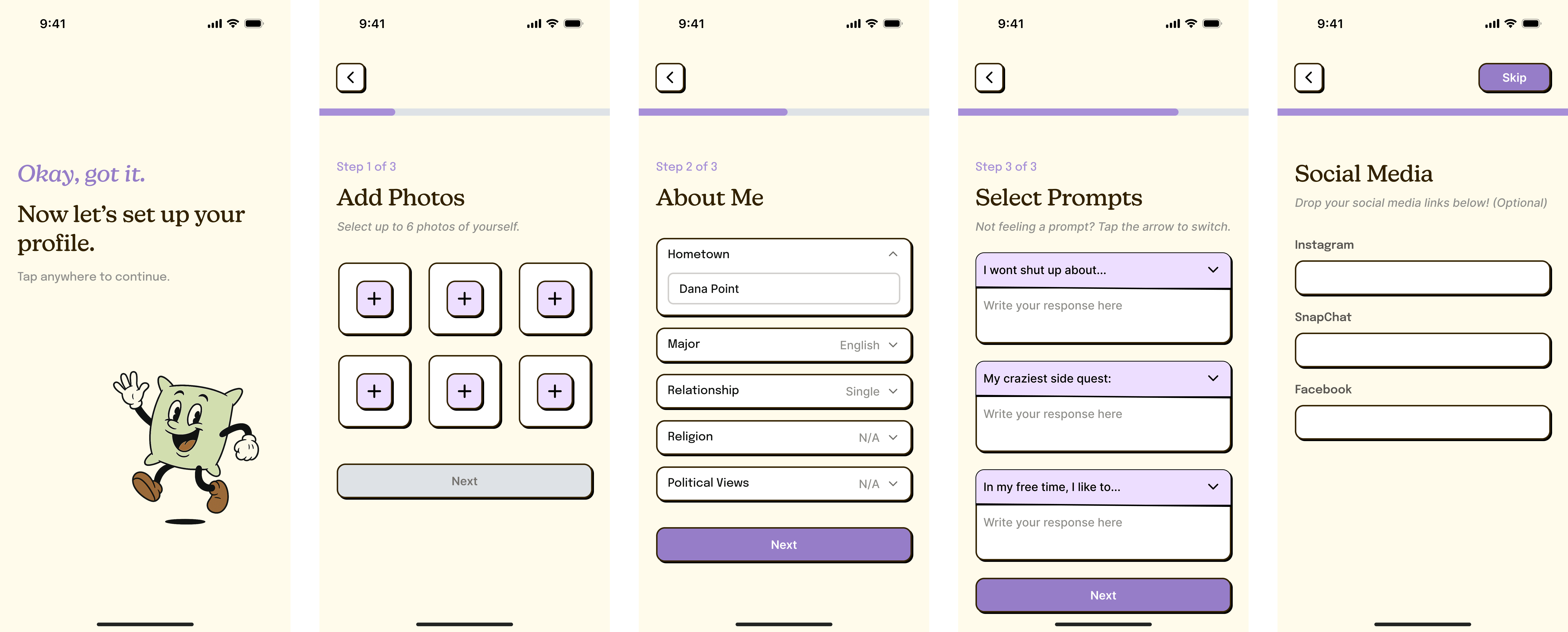
Setting up your profile
In the original onboarding, the more "fun" pages (ex: adding photos/prompts) were placed behind the more "boring" logistical questions. We moved this section forward to keep users engaged, and then utilized our revised components to achieve a cleaner look.
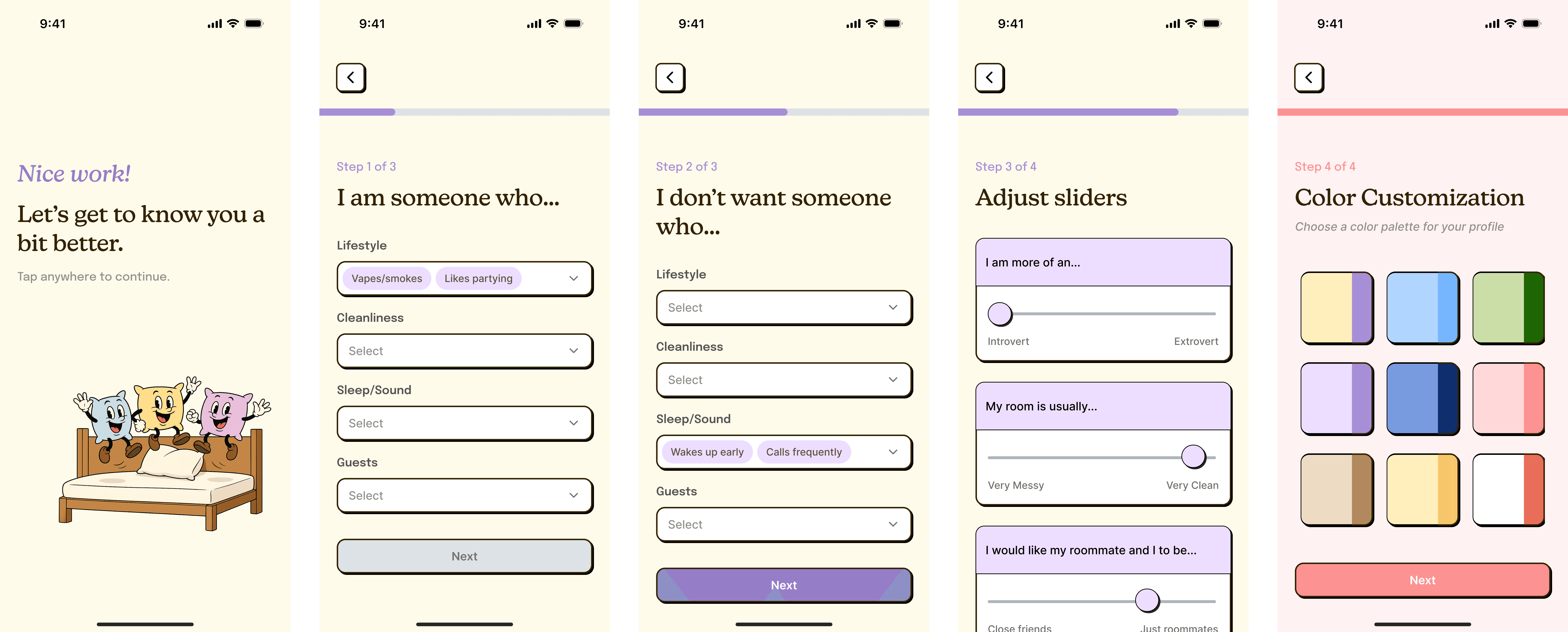
Selecting your preferences
Users can specify both their own habits and their desired roommate’s habits by expanding each category and selecting relevant tags. For things that can exist on a spectrum, we also have a page with sliders.
TAKEAWAYS
Communicate & document design decisions.
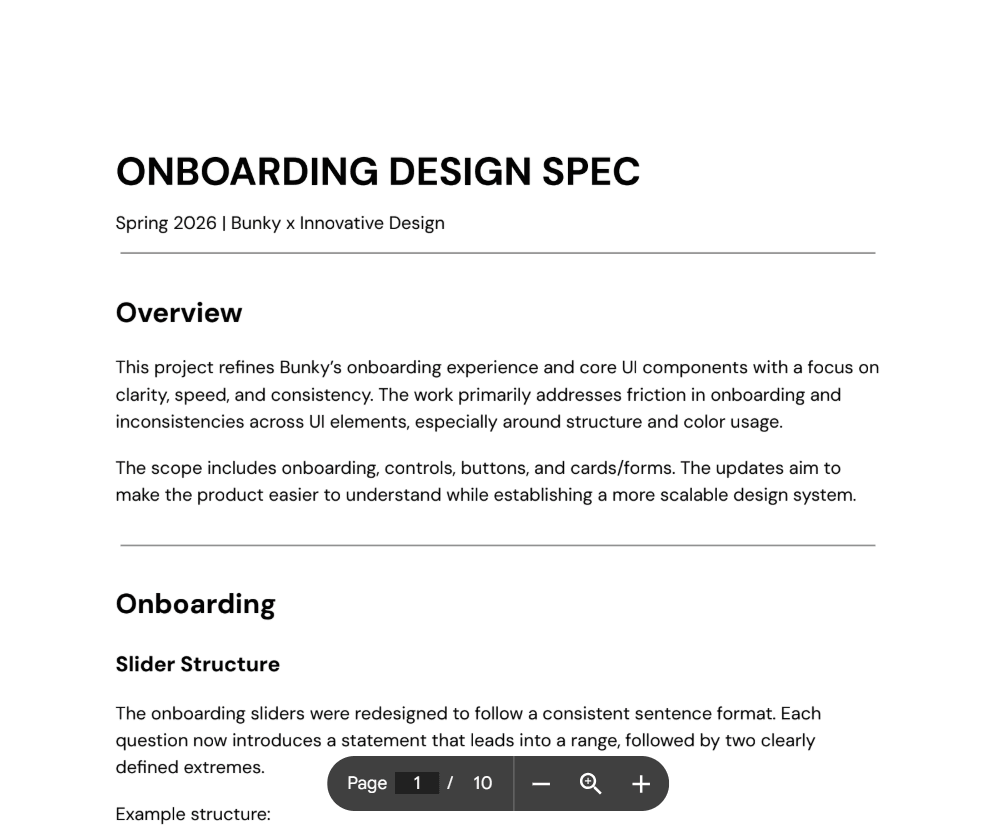
Beyond the final designs, my team also delivered a design specification document. Through this project, I learned how important it is to articulate the reasoning behind each design decision, so that everyone is on the same page.